preloader
Calliope CLI
The Tools
additional svg icon
Calliope CLI

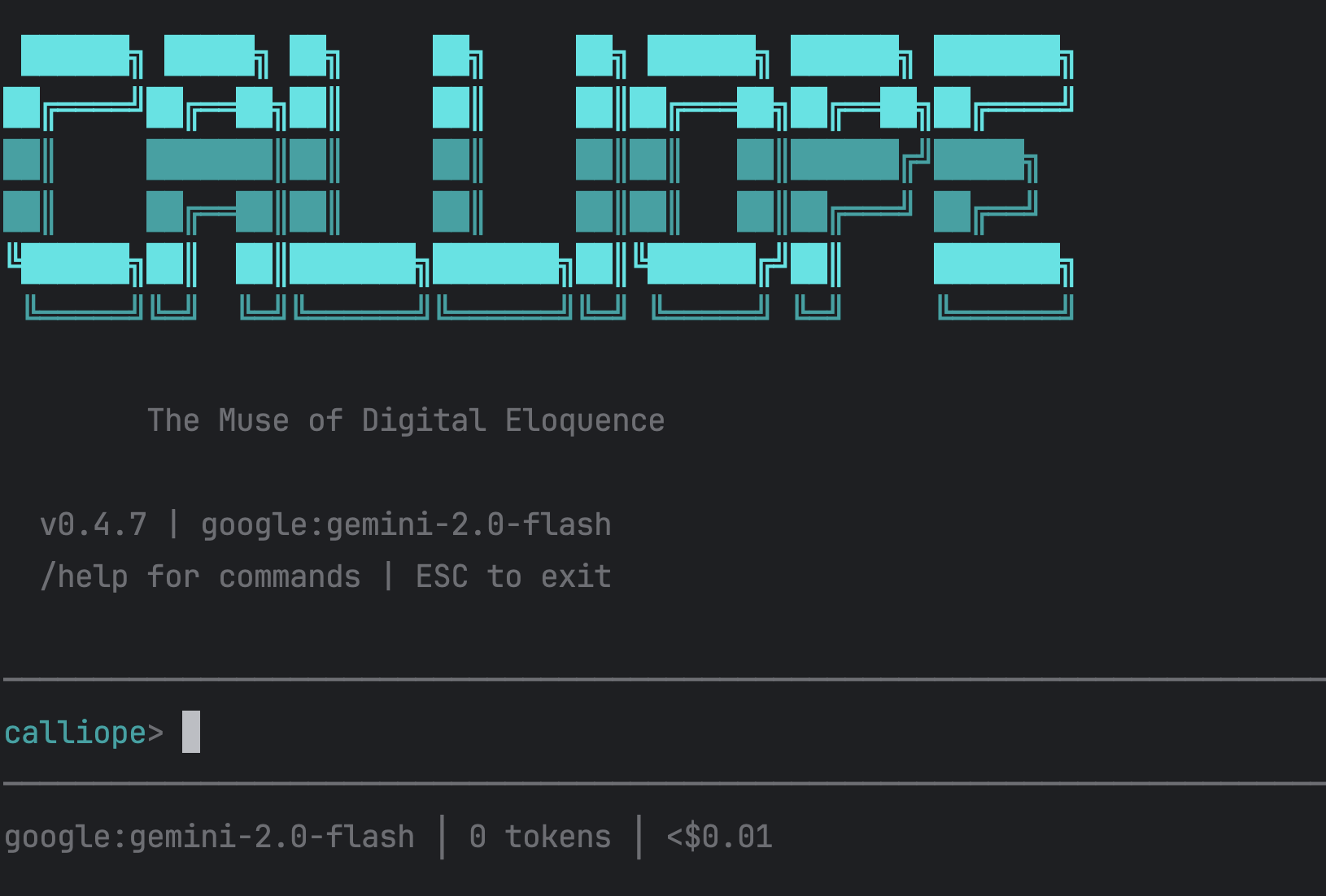
The simplest way to use AI from your terminal. One command to install, one command to run. Switch models and providers on the fly. Run autonomous loops for complex tasks.

npm install -g @calliopelabs/cli

additional svg icon
Multi-Model Gateway

The CLI uses a unified model gateway supporting 12+ providers. Hot-swap providers without code changes. Use the best model for each task.

Anthropic, OpenAI, Google, Mistral, Groq, Together, Fireworks, AI21, HuggingFace, OpenRouter, LiteLLM, Ollama.

CLI Features
additional svg icon
Multi-model
Claude, GPT, Gemini, Mistral, Ollama, and more. Switch between providers seamlessly.
additional svg icon
Switch Providers
/provider anthropic, /provider openai, /provider google — Change AI providers with a single command.
additional svg icon
Autonomous Loops
Run tasks to completion with /loop — Let the AI work until the job is done.
additional svg icon
Persona Modes
Calliope (creative), Professional, Minimal — Choose the personality that fits your workflow.
additional svg icon
Tool Execution
Shell commands, file operations, structured reasoning — Full system integration.
additional svg icon
God Mode
Run without permission prompts for trusted tasks — Maximum productivity when you need it.
AUTONOMOUS LOOPS

Run complex tasks until completion.

The loop runs your prompt repeatedly, with each iteration seeing previous work. Stops when it outputs the completion promise or hits max iterations.

Perfect for refactoring, migrations, or any task that needs multiple iterations to complete.
Example: TypeScript Strict Mode Migration
calliope> /loop "Refactor all TypeScript to strict mode. Fix each error. Output DONE when tsc passes." --max-iterations 30 --completion-promise "DONE"
Getting Started with Calliope CLI
Few simple steps to start building with AI
1
Install Calliope CLI
Quick installation via npm. One command gets you started.
Getting Started with Calliope CLI
2
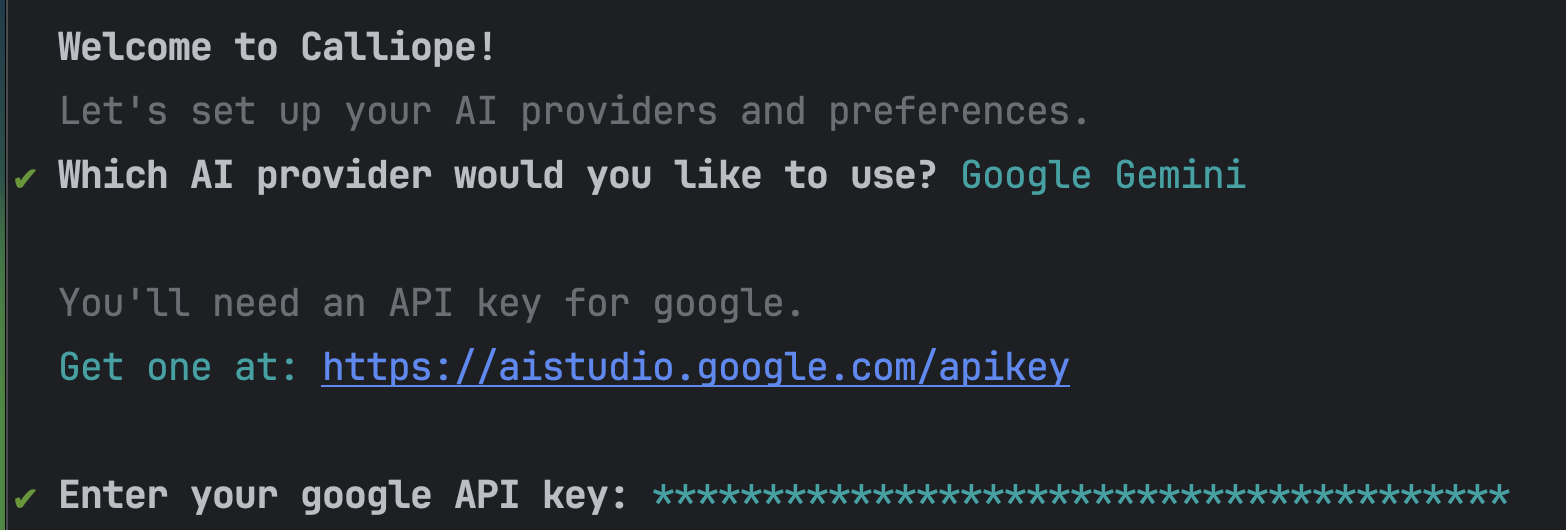
Configure API Keys
Add your OpenAI, Anthropic, or Google API keys. Use any provider you prefer.
Getting Started with Calliope CLI
3
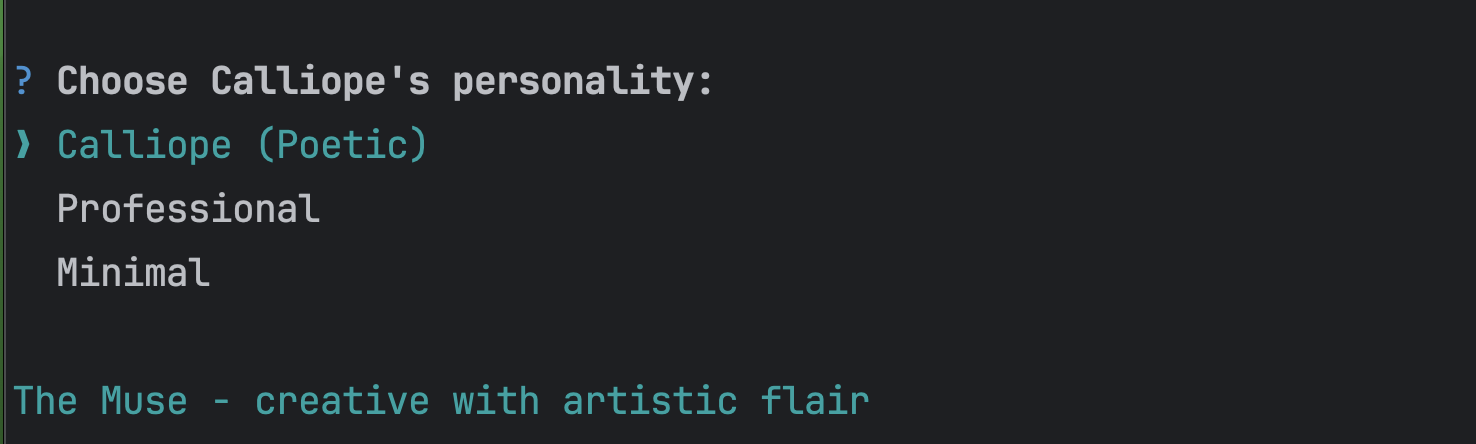
Choose Your Personality
Select from professional, creative, or minimal modes to match your workflow.
Getting Started with Calliope CLI
4
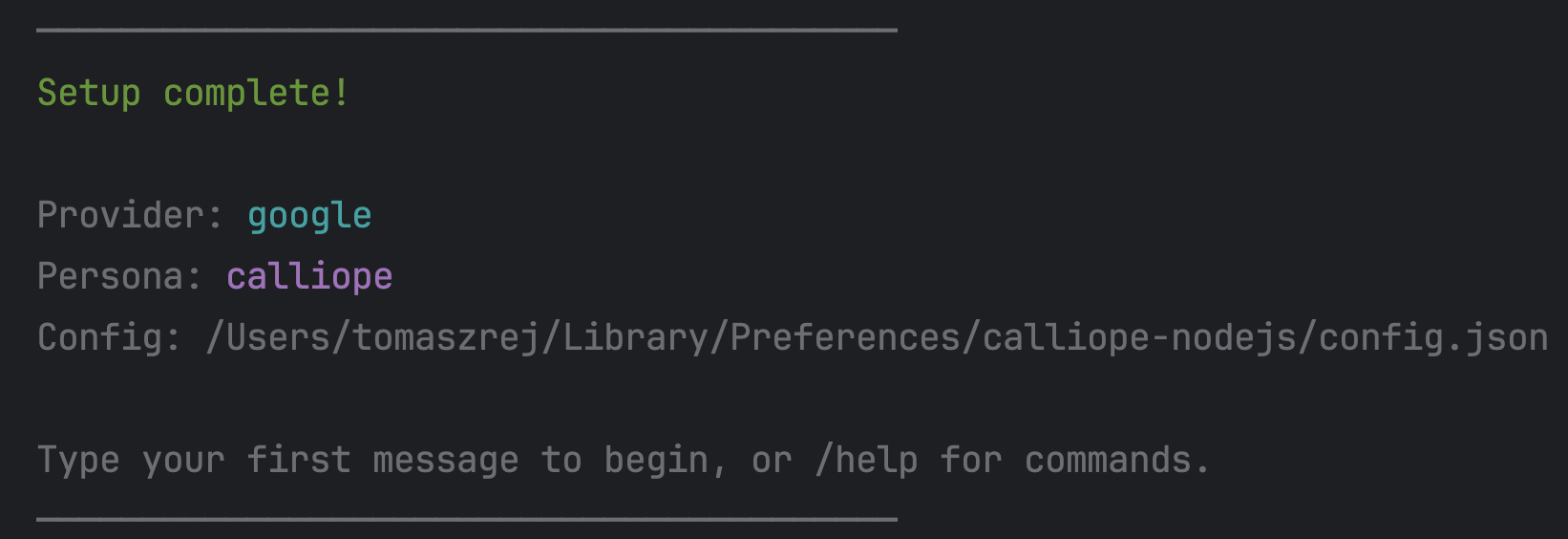
You're Ready to Go!
Start building. Your AI assistant is ready in your terminal.
Getting Started with Calliope CLI

Open Source Tools:

Terminal-native AI agent for your workflow
View on GitHub
Calliope CLI
Multi-model AI agent in your terminal. Switch between Claude, GPT, Gemini, and more with a single command. Autonomous loops for long-running tasks.
Multi-model support
Use Anthropic, OpenAI, Google, Mistral, Groq, Together, Fireworks, Ollama, and more. Switch providers without code changes.
No lock-in
MIT licensed. Fork, modify, self-host. Your code, your data, your choice.

Contributing

Issues
Bug reports and feature requests on GitHub
Report an Issue
Pull Requests
We review and merge community contributions
Submit a PR
Discord
Discuss ideas with the community and team
Join Discord
Built by developers, for developers.

We build the tools we want to use. If you have ideas, issues, or want to contribute, find us on GitHub or Discord.

View on GitHub